
Training Available
You have access to all training provided by Travel For All.
- Disability Awareness Training
- Accessible Travel (coming soon)
- Additional courses will be created as required
Your Training Group
When you purchased your Plan, a Training Group was set up for you in the training system.
The email that was used at the time of purchase has been designated as the Group Leader.
For customers on the Verified Plan, your group is created by Travel For All and we will advise all details as agreed.
Accessibility Training includes 20 training places for yourself and your team. You have the option to purchase more training seats if you need them.
Visit the Add-Ons page to purchase more training seats.
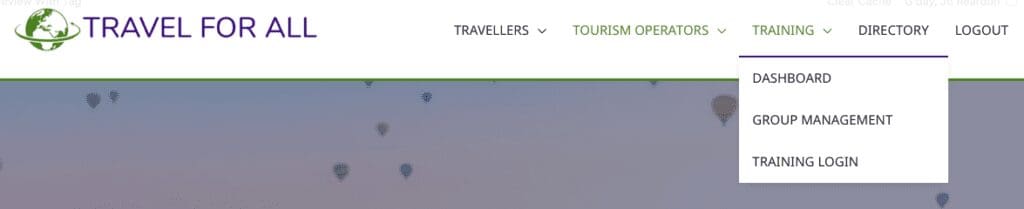
Group Leaders will see the Group Management page under Training in the main menu.
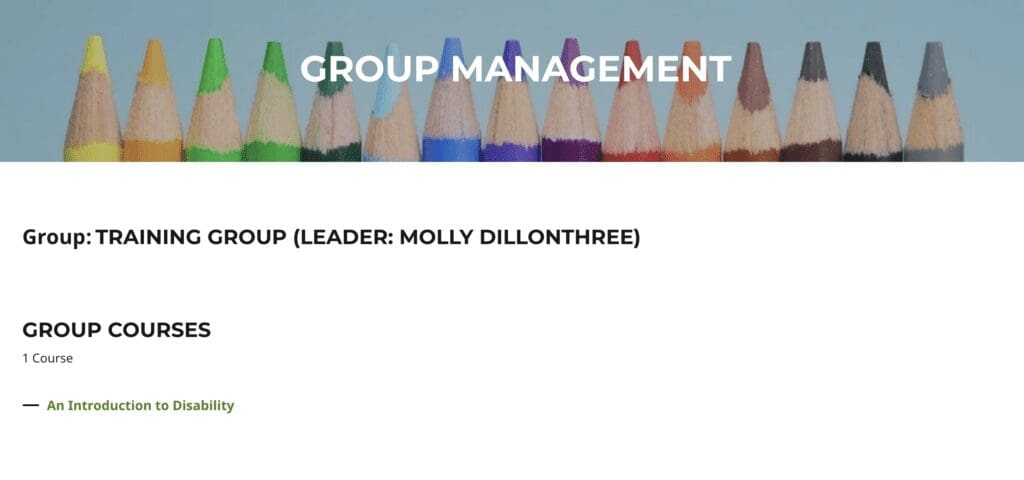
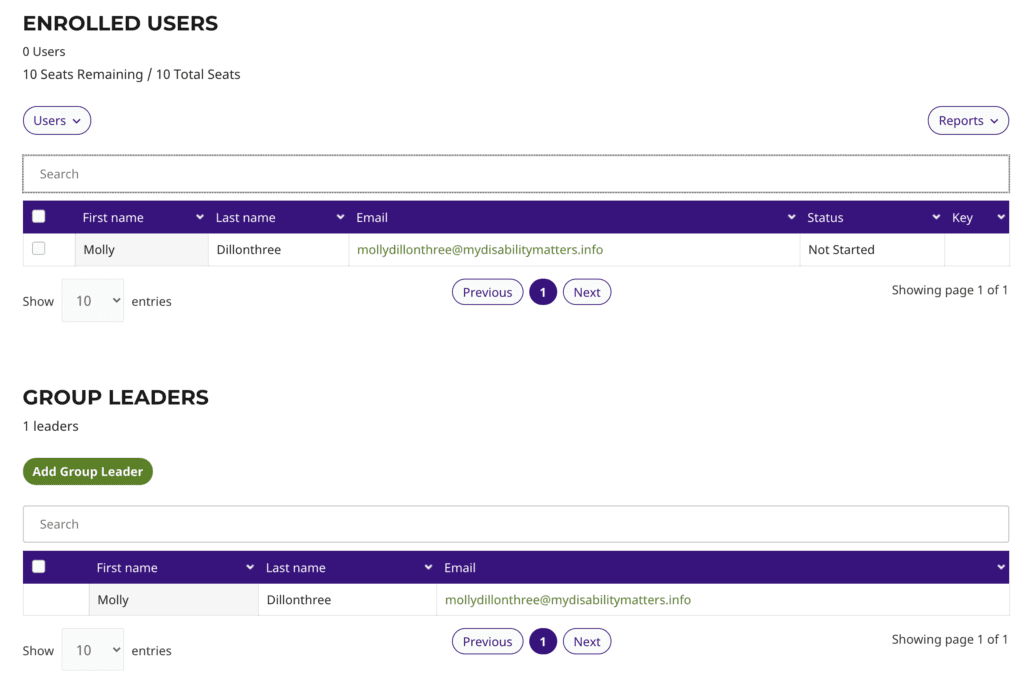
This is where you manage the training enrolment and progress for you and your team members.
From the Group Management page you can:
- add and invite team members to the group
- designate other group leaders
- access reports for your group to see course progress and quiz results
- send emails to course participants
Other Training Documentation
To set up training, visit Add and Invite Team Members to Training.
To manage training progress, visit Manage Training Progress.
Articles to assist your team members can be found at: