
For customers of Travel For All, a link to the My Account page will show in the footer menu and in the Tourism Operators section of the main menu.
If you are not logged into the Services website when you go to the My Account page, you will be prompted to login.
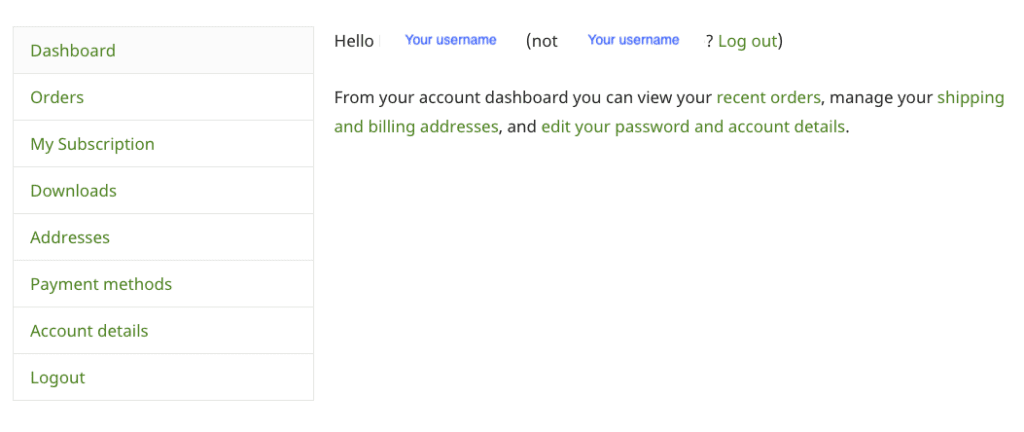
Once logged in, you will see your Account Dashboard, with a side menu for the following options:
- Dashboard
- Orders
- My Subscription
- Downloads
- Addresses
- Payment Methods
- Account Details
- Logout
Orders
The orders section will display a list of your previous orders. That is, each payment you have made.
Next to each line item you can:
- Click on View to see the details of the order
- Click on Invoice to download the invoice for that order (PDF)

My Subscription
All Plans, both monthly and annual, create a subscription with Travel For All.
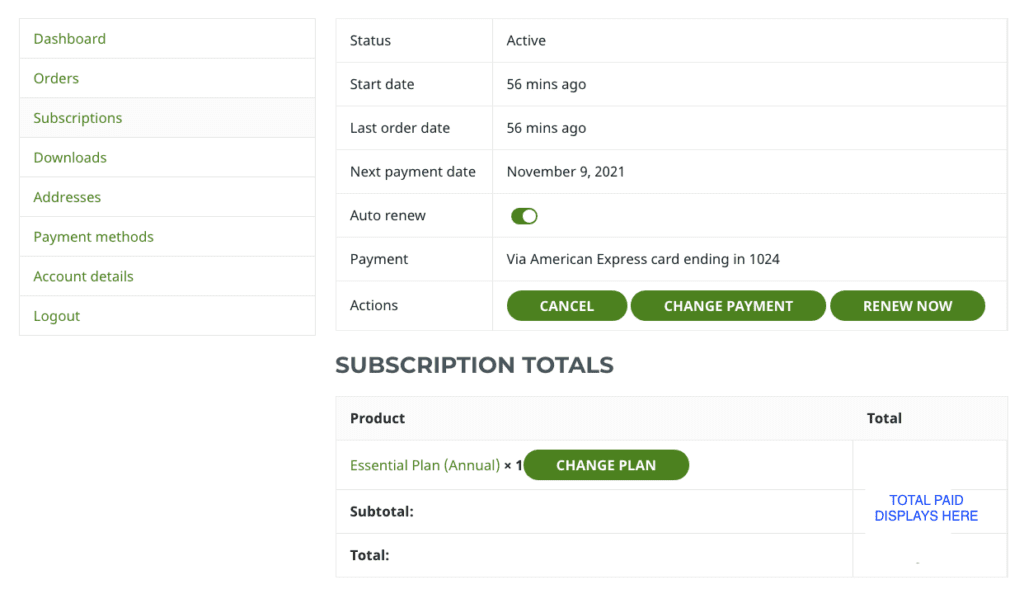
Visit My Subscription to:
- View details of your subscription
- See the date of when your next payment is due
- Change your plan
- Cancel your subscription
- Resubscribe if you have previously cancelled your subscription
- Change payment details for your subscription
- Renew your subscription (only needed if you have switched off the Auto Renew option above)
- See the same information as on the Orders section, with options to view details or download the invoice
Note, that if you cancel your subscription, your account will not be closed until the end of the current subscription period.
For more details on changing your plan, see Change Your Plan.
Downloads
If download files are included with your subscription they will be found in this section.
The downloads section is not currently used.
Addresses
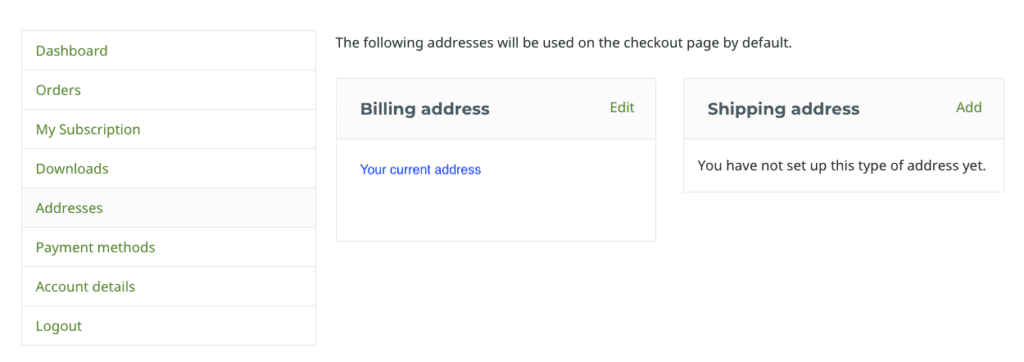
The address details you entered when you signed up for a Travel For All plan are found here.
You can change your billing address at any time by click on Edit.
Payment methods
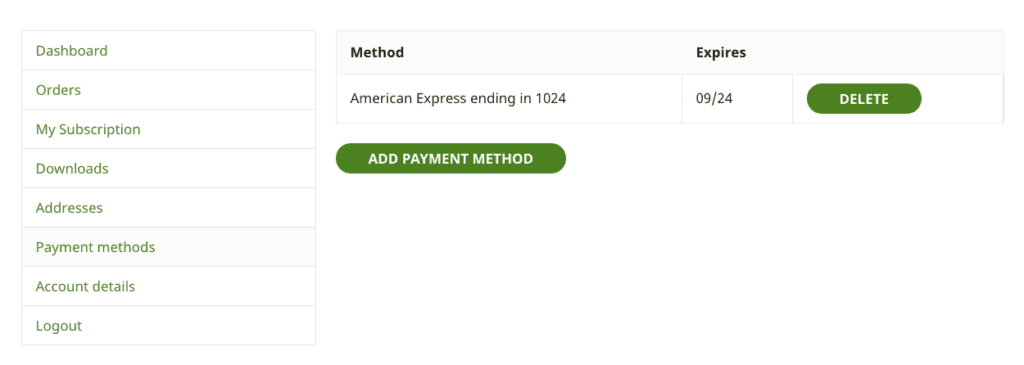
In the Payment Methods section you can change the payment method used for your monthly or annual subscription payments.
- Select Add Payment Method button
- Complete new payment details
- Delete previous payment method
Account Details
The Account Details section allows you to change the key details of your account:
- Name
- Email address
- Password
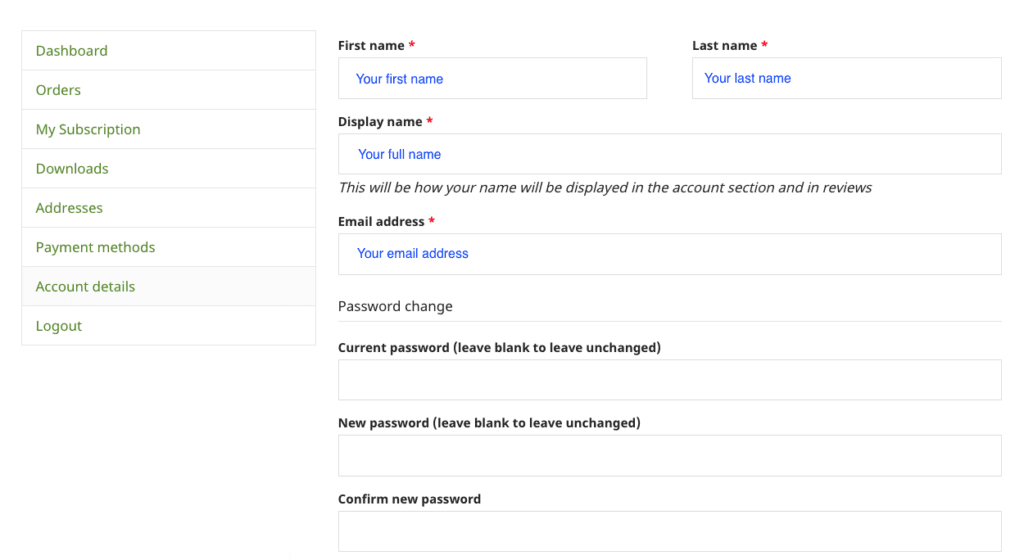
This will be useful if you wish to change the person or role responsible for your Travel For All subscription.
Note that this will only change your login details on the Services site.
Please contact us if you wish to change the name and email details on all accounts and we will manage that for you.
Also see, Logging in to Travel For All for more information about account set up and passwords.