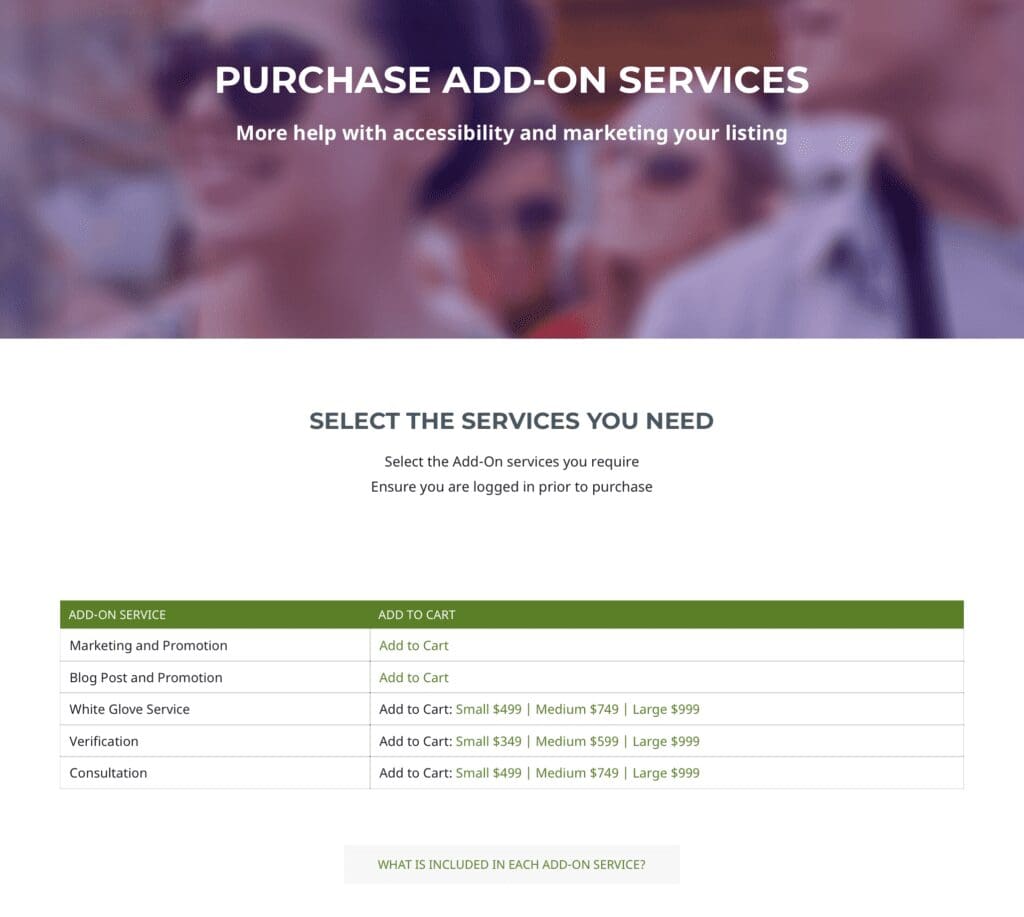
A number of optional add-on services are available, in addition to your Plan.
The services are detailed on the Plans page.
Add-ons can be added to the cart on the checkout page when originally purchasing a plan from Travel For All.
To purchase add-on services after the initial purchase of your Plan:
- Login to services site
- Visit the Purchase Add-On Services page
- Select the service(s) you wish to purchase. They will be added to the cart below
- Complete the checkout process